

Our Business Supports
Through our 70 Skillnet Business Networks and National Initiatives, our upskilling programmes, industry insights, and business supports enhance productivity, competitiveness, and sustainability for Irish companies and the Irish economy.

A Skillnet Business Network is a cluster of private sector businesses that collaborate based on their sector or region to address skills needs and provide upskilling and reskilling programmes and supports to companies that are part of the Network. With 70 Skillnet Business Networks nationwide, companies or individuals can find a Network based on a particular sector, or in certain cases, within a region.
Skillnet Innovation Exchange is a skills marketplace that connects large businesses facing innovation challenges with ambitious Irish SMEs with the talent that can fast track solutions.
The Skillnet Climate Ready Academy supports Irish businesses to develop the talent required to deal with and manage the effects and the business requirements of our changing climate and environment.
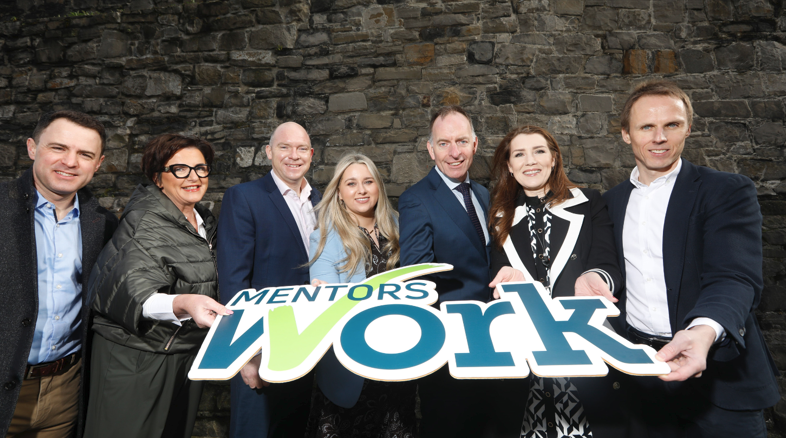
MentorsWork is a targeted business support programme focused on SMEs that provides training to owner-managers on how to increase and maintain their business competitiveness through strong leadership skills.
Skillnet Ireland supports businesses by contributing to national policy. We provide insights, ideas and research-driven data for significant national and sectoral policies. As the world of work continues to evolve, businesses need access to an agile, diverse, and talented workforce that is continuously acquiring and developing new skills. At Skillnet Ireland, we work closely with industry to deliver industry insights and research which are responsive to the needs of businesses and offer insights in how best to address a broad range of talent challenges facing businesses and the workforce.


How Skillnet Ireland Can Increase Business Competitiveness
By providing your workforce with the talent development solutions needed to navigate and grasp the challenges and opportunities created by economic changes, technological innovation, digitalisation and the green transition, Skillnet Ireland empowers businesses to remain competitive and grow. Through our 70 Skillnet Business Networks and national initiatives, Skillnet Ireland works with businesses of all sizes, across multiple sectors and regions, enabling them to examine their needs and develop the capabilities and skills necessary to succeed.
Skillnet Ireland in Numbers
€70.2m+
Total investment
24,700+
Businesses supported
92,400+
People upskilled
70+
Business networks

Stay connected with Skillnet Ireland
Receive regular news and insights from the world of talent development straight to your inbox.
By adding my email, I agree to the use of my personal data in accordance with Skillnet Ireland Privacy Policy.